Integration for Slack
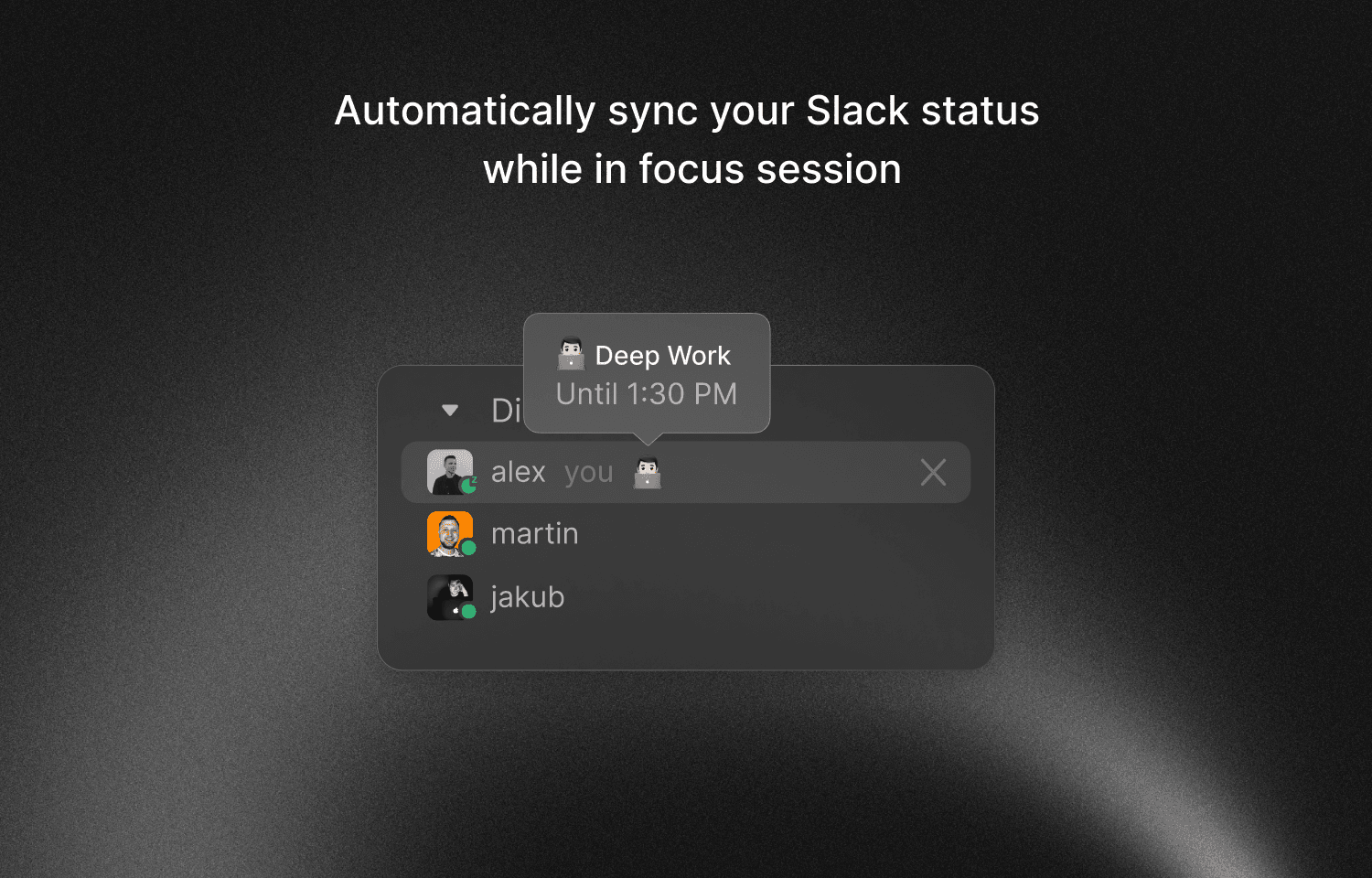
Protect your focus time. Automatically update your Slack status when you're in a focus session.
Let teammates know when you're available without manual updates.
Key Features
Automatic status sync
Your Slack status updates automatically when you start a focus session. No manual toggling.
DND mode
Enable Do Not Disturb in Slack during deep work. Notifications pause until you finish.
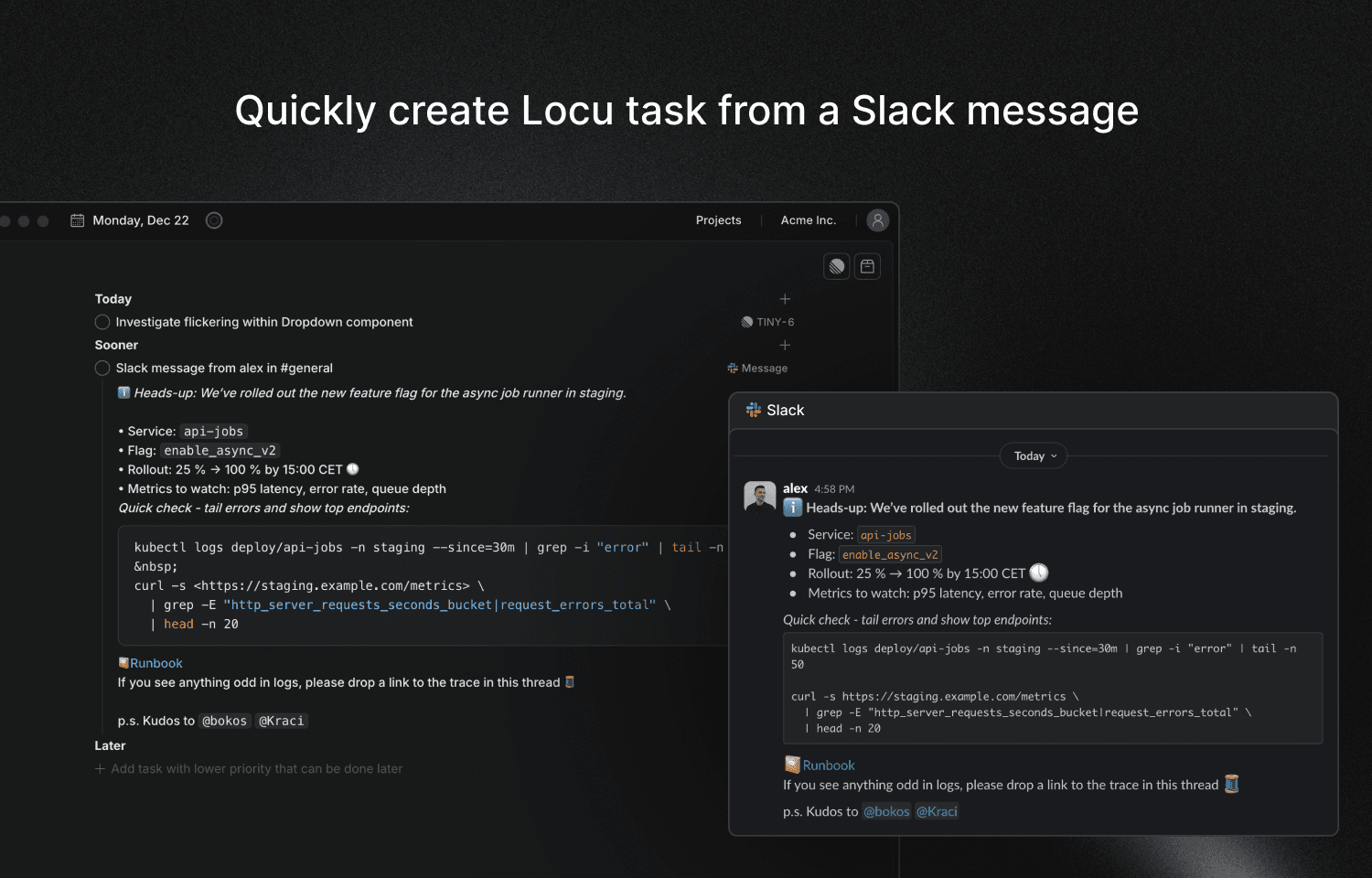
Turn message into to-do
Turn Slack messages into Locu tasks. Capture action items without losing context.
Protect focus time
Teammates see when you're focused. Reduces interruptions naturally.
Who benefits most
Remote workers
Show availability clearly without constant updates
Engineers
Protect your flow and avoid interruptions
Anyone in Slack-heavy teams
Reduce notification anxiety and control your availability
Configure
- 1Download Locu desktop app and sign in with your preferred method.
- 2Go to Preferences → Integrations → Slack to connect your Slack account to Locu.
- 3Click Enable. You will be redirected to a Slack authorization page. If prompted, log in to your Slack account. Click Allow to grant Locu access to your Slack workspace.
- 4After authorization, you will be redirected back to the Locu website, confirming the successful connection. Your integration is now ready to use.
Need help?
If you encounter any issues with the integration for Slack or have questions, our support team is here to help.
Contact UsProtect your focus with Locu
Automatically signal your availability to teammates in Slack