+
Integration for Jira
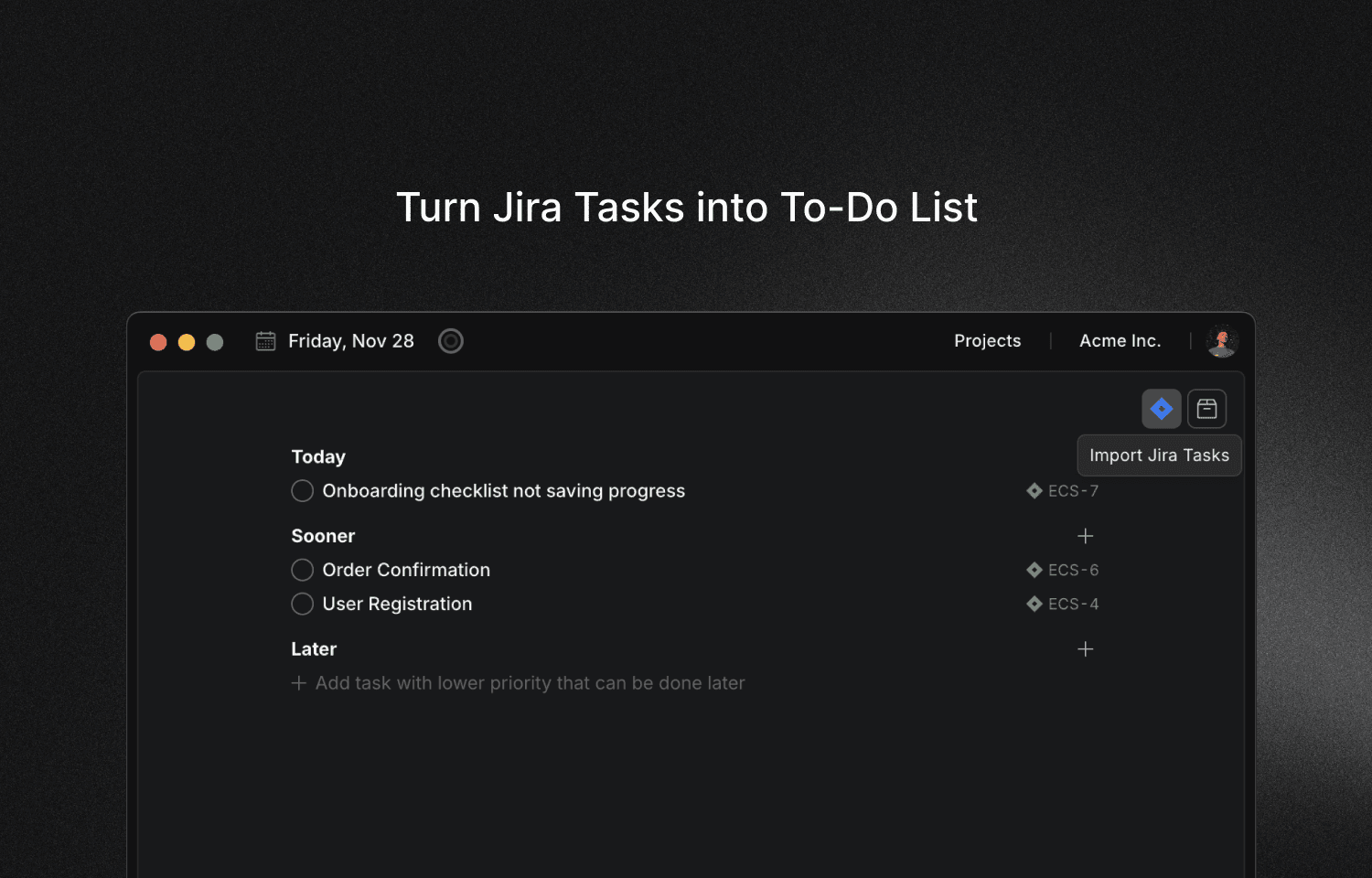
Turn Jira tickets into focused sessions. Track time automatically.
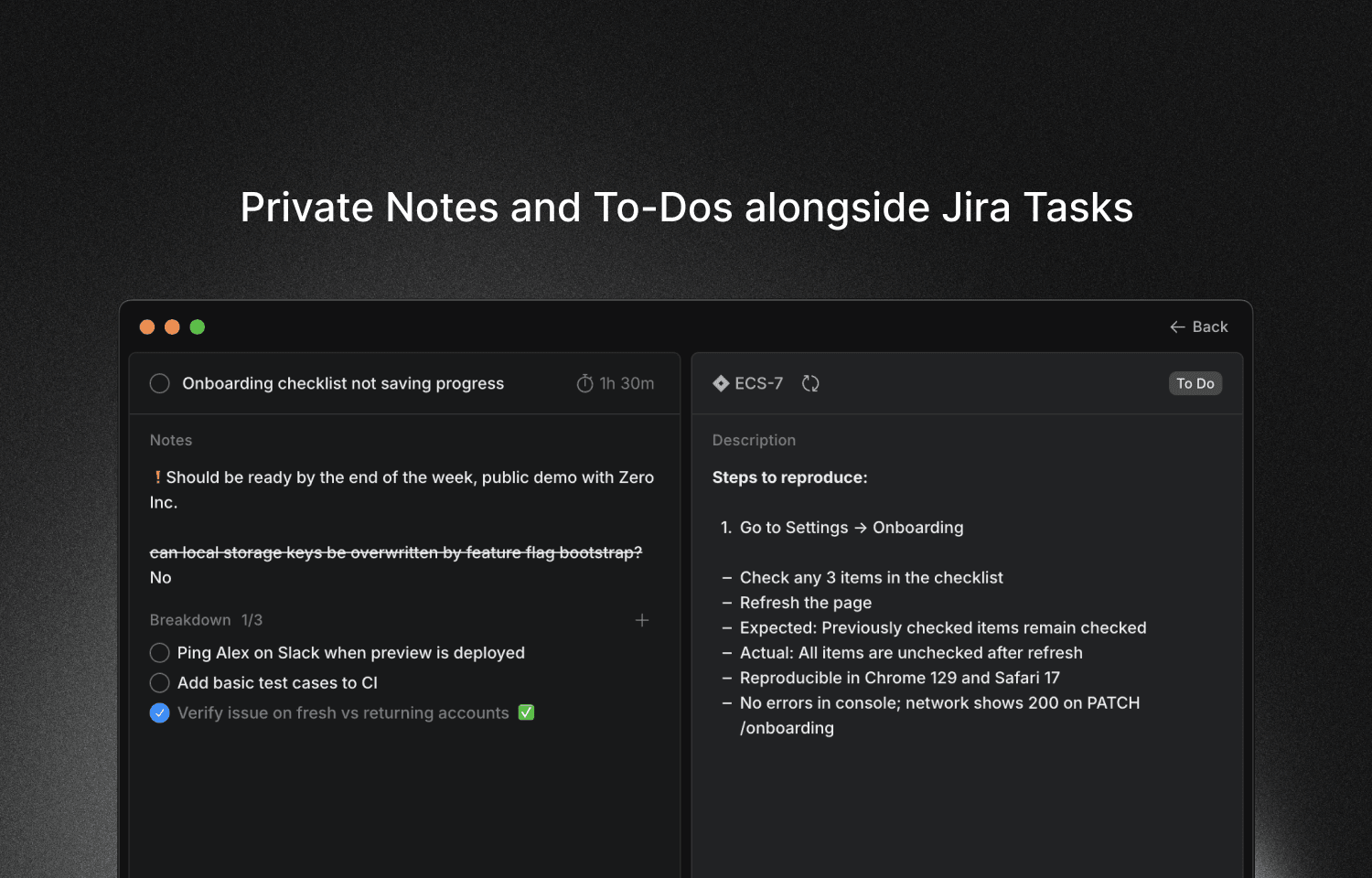
Keep personal notes and breakdowns without cluttering your team's workspace.
Key Features
Two-way sync
Import issues from Jira, sync status updates back. Your work stays connected.
Personal context layer
Add your own notes, subtasks, and breakdowns that stay private from your team.
Time tracking
Track how much time you spent on each issue. Export for invoicing or reporting.
Focus mode
Work on one issue at a time with full context visible. No tab switching.
Who benefits most
Engineers at enterprises
Drowning in Jira complexity and need a simpler daily view.
Freelancers & contractors
Need to track billable hours per ticket for invoicing.
Project managers
Finding Jira too heavy for daily focus work and execution.
Configure
- 1Download Locu desktop app and sign in.
- 2Go to Preferences → Integrations → Jira
- 3Click Enable and authorize Locu to access your Jira workspace.
- 4Start importing tickets and working in focused sessions.
Boost your Jira workflow with Locu
Turn your Jira tickets into focused work sessions
No credit card required
10-day free trial